

Dashboard, search & help
What matters today, right there when you sign in.
The dashboard lays out tasks, the timer, invoices, or shop sales to suit your role and type of business. Press Ctrl K to find a client, invoice, or product from any page, and open the Help Centre when you need an explanation.
On every plan. The Finance tab with your own figures from the Freelancer plan.
Before and after
Mornings without opening ten tabs.
A to-do list in one app, hours in a spreadsheet, balances in internet banking, and team news in a group chat. It takes half an hour just to know where to start.
Before
4 separate places
- To-do listEveryone · tasks kept in another app
- Hours spreadsheetTeam · hours retyped into a spreadsheet
- Internet bankingOwner · balances checked behind a separate login
- Team group chatTeam · project news buried in the chat
- Today's tasks in one place2 overdue
- Team hours in view86 hours
- Invoices tracked4 · IDR 18,500,000
- Everything found from one boxCtrl K
How it works
From the first screen to the answer you're looking for.
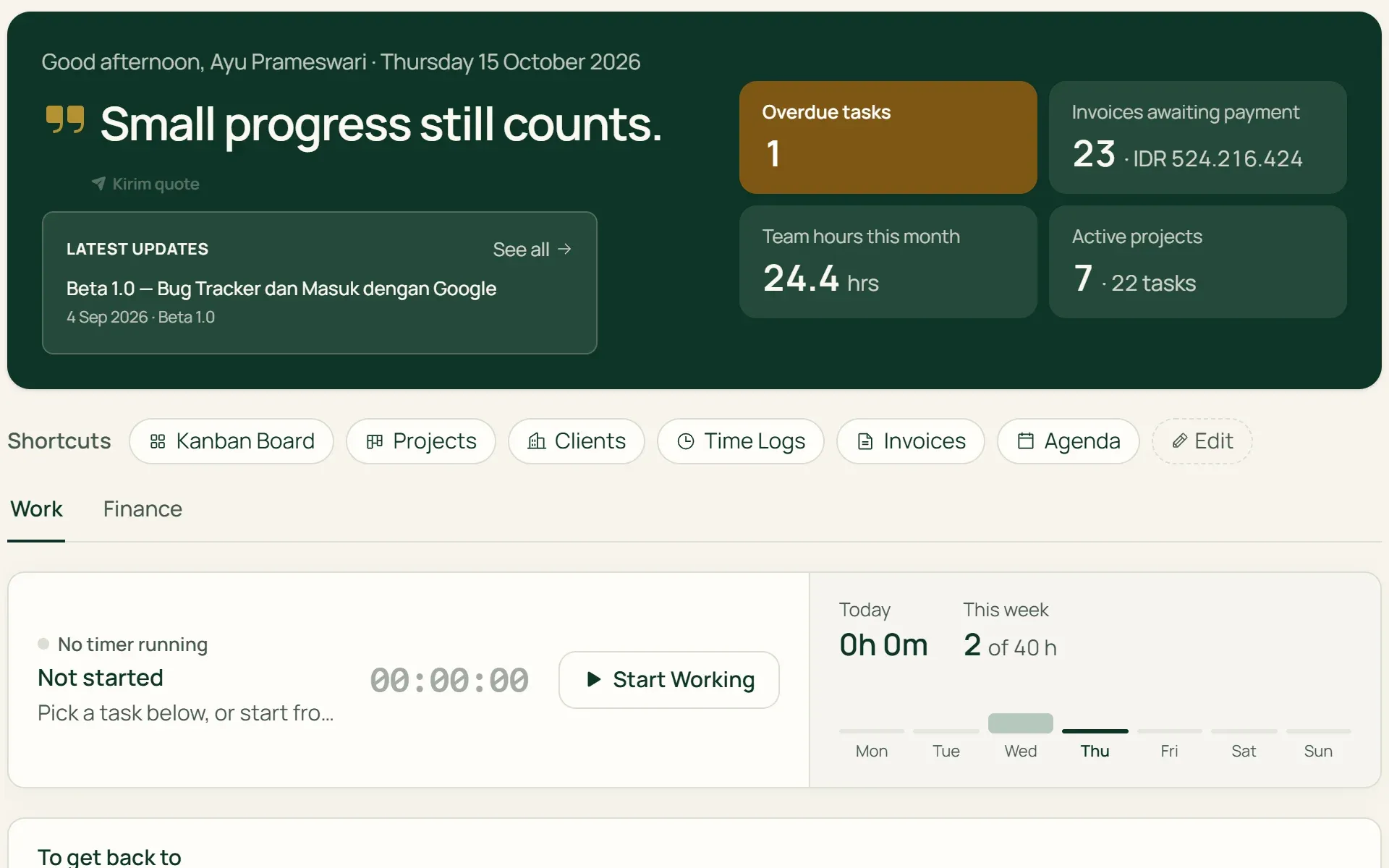
01 · Work
Your day in one tab.
The timer and this week's hours, My tasks grouped into Overdue, Today, This week, and No due date, this month's calendar, projects that need attention, and contacts to get back to.
- My tasks
- Timer
- To get back to
02 · Finance
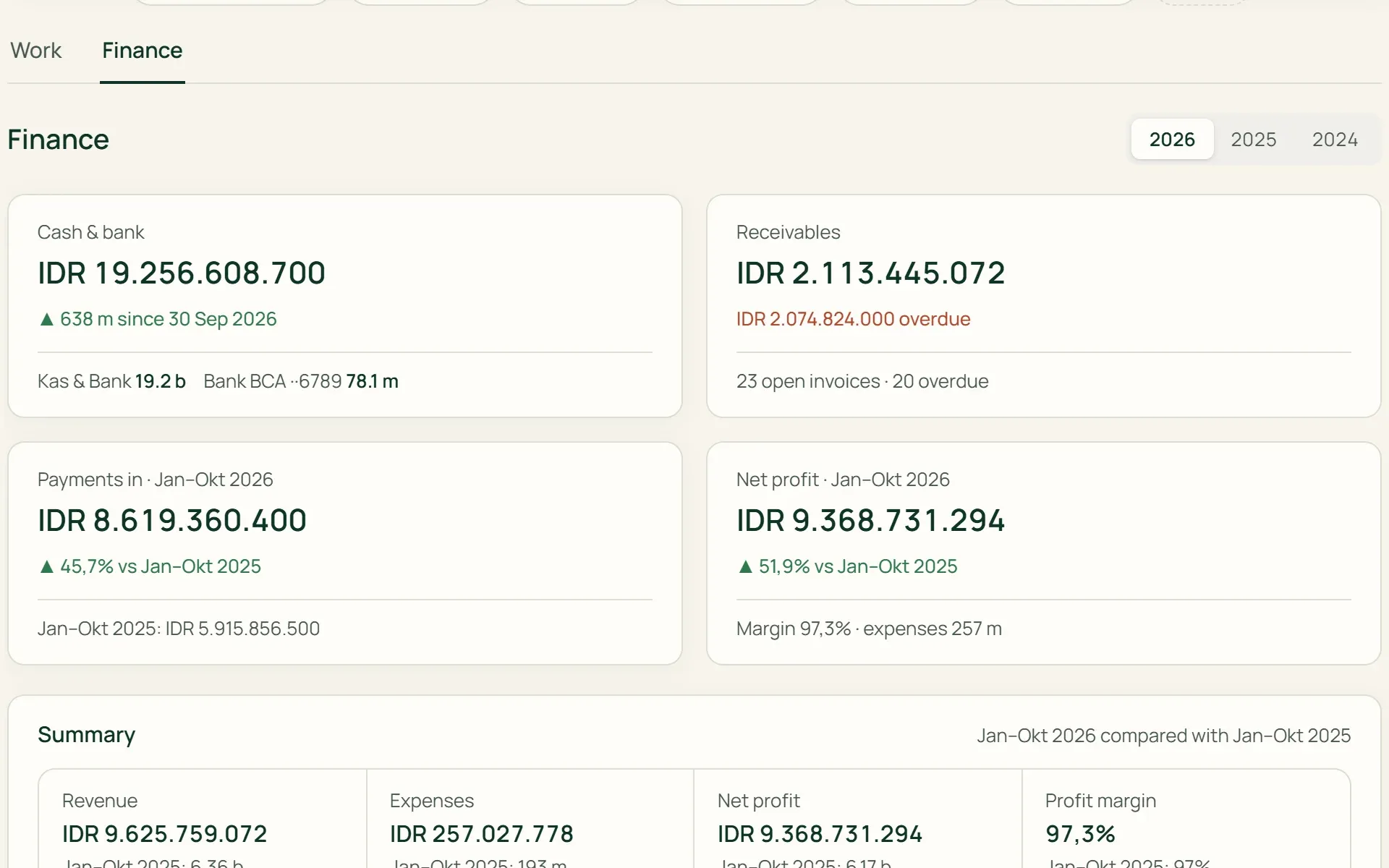
Where the money stands, without opening reports.
Cash & bank balances, receivables, net profit against the previous period, monthly or cumulative cash flow, profit margin, overdue invoices, unbilled hours, and payments by client. Only for roles with finance access.
- Cash & bank
- Receivables
- Cash flow
- Unbilled
03 · Search
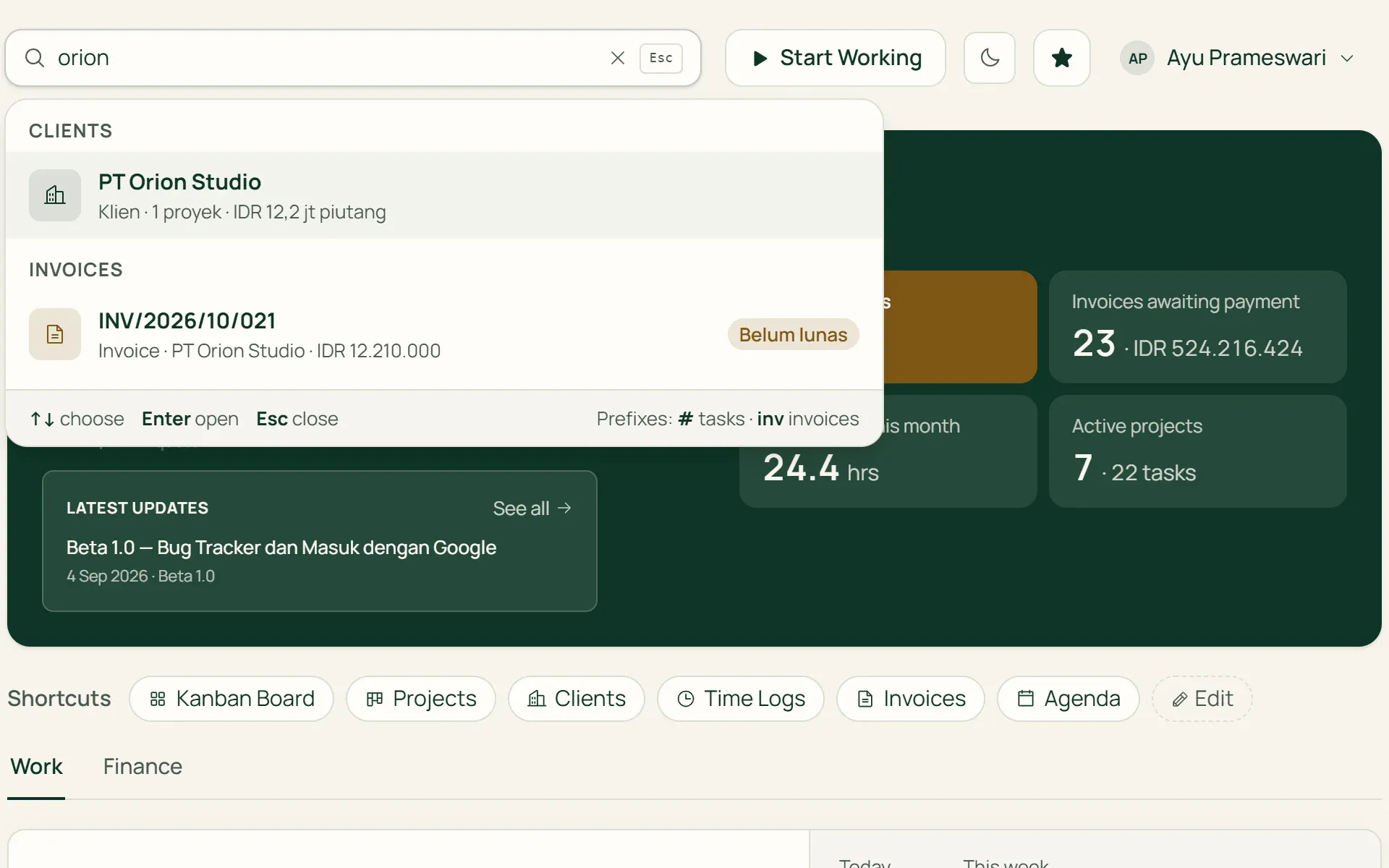
Find anything with Ctrl K.
One box for clients, contacts, projects, tasks, invoices, expenses, and vendors, plus products, POs, and sales documents on shop plans. Start with # for tasks or inv for invoices. Results show their status, such as Paid or Overdue.
- Ctrl K
- # task
- inv invoice
- Quick actions
04 · Help
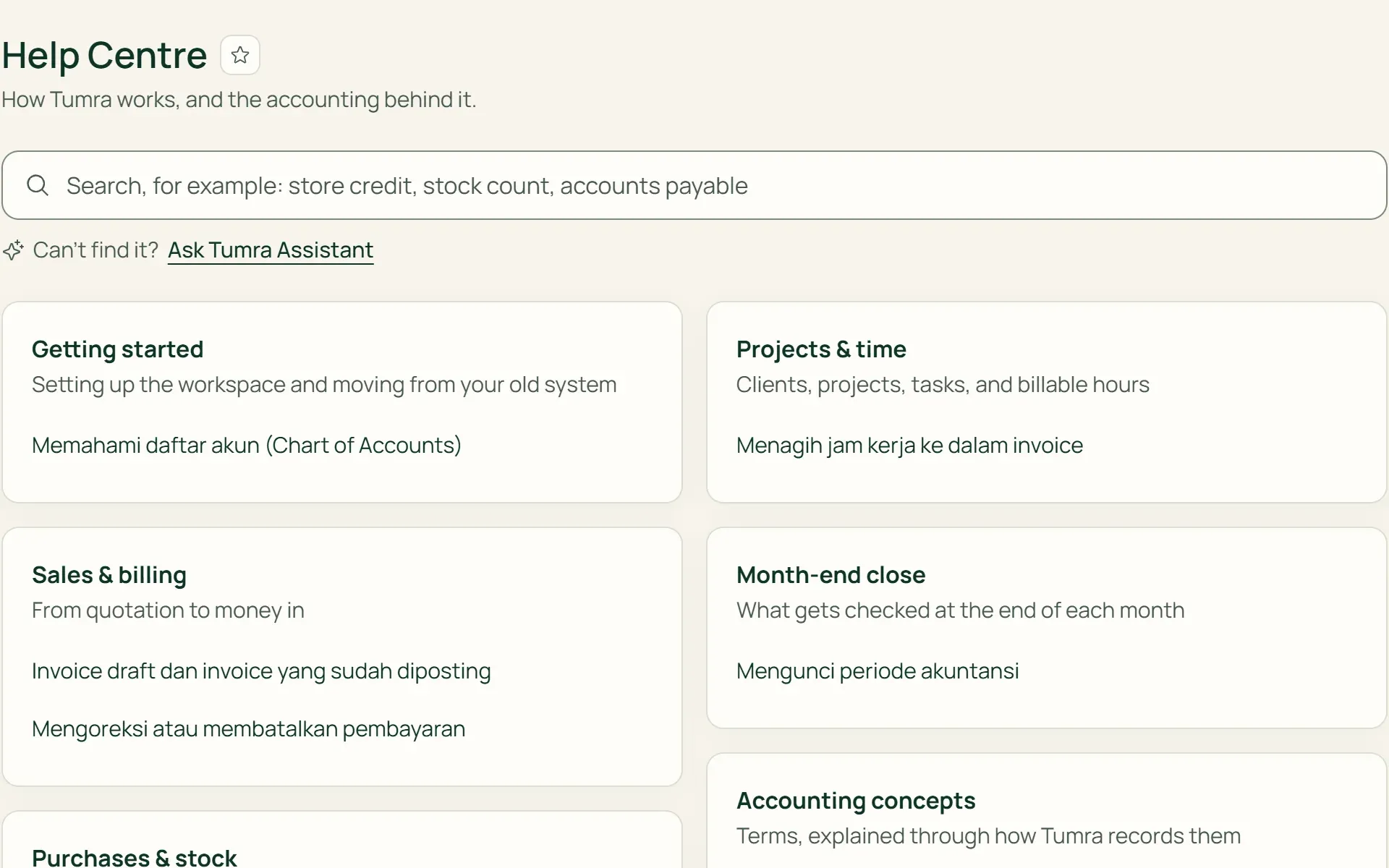
Explanations in the Help Centre.
Articles are grouped by topic, from Getting started to Month-end close and Accounting concepts. Search reads the article text, not just the titles. On plans with the assistant, "Ask Tumra Assistant" opens the assistant panel from the help page.
- Using Tumra
- Learning Accounting
- Ask Tumra Assistant
05 · Updates
Know what has changed.
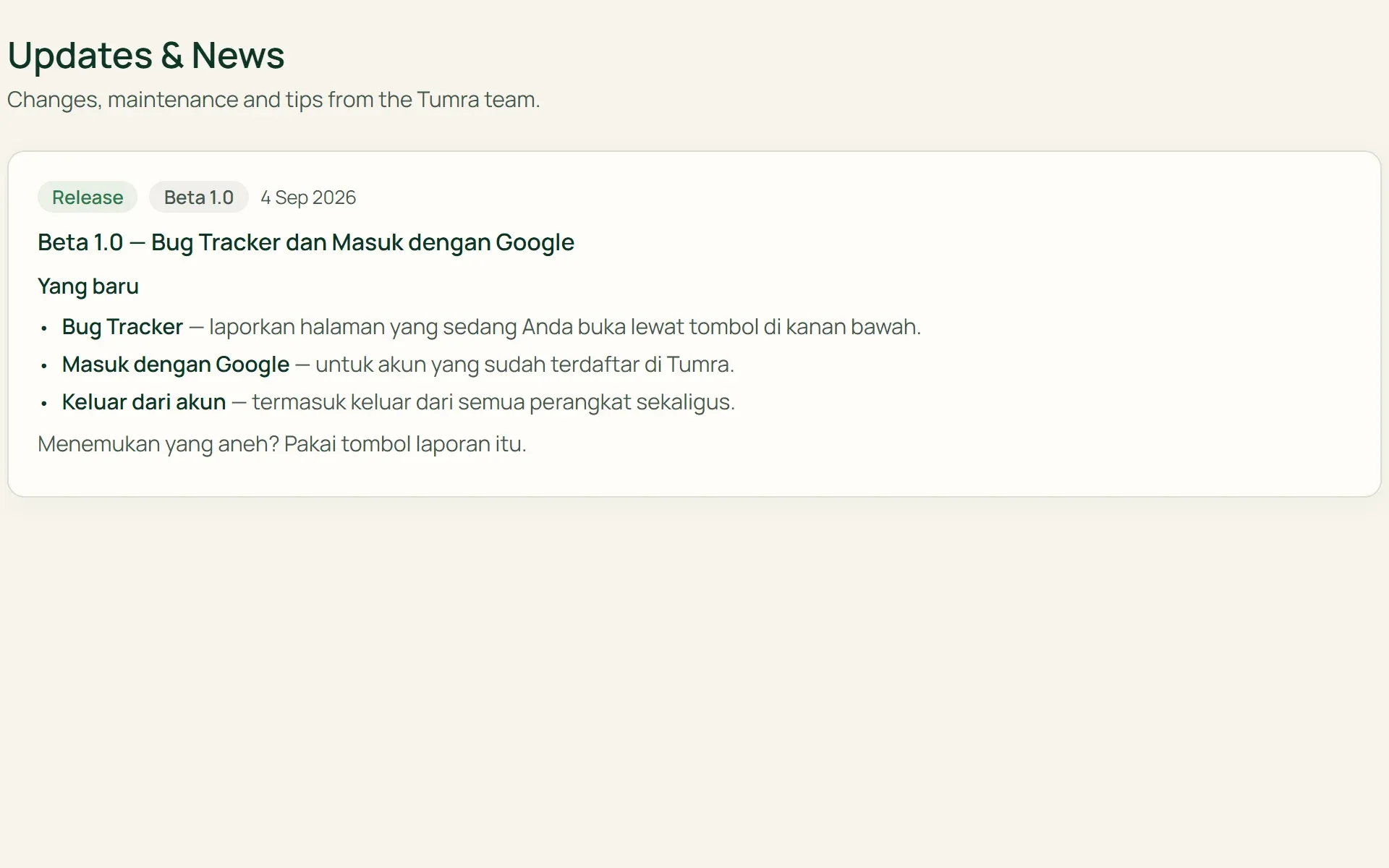
The three latest announcements from the Tumra team appear on the dashboard. All of them are on the Updates & News page, labelled Release, Maintenance, or Tip. Scheduled maintenance appears as a banner at the top of the dashboard.
- Release
- Maintenance
- Tip
What you can do
Work faster, every day.
Arranged by role
Owners, Admins, and Project Managers see team figures. Staff see their own tasks and hours. Money figures only appear for roles with finance access.
Review tasks from the dashboard
Tasks waiting for review can be approved straight away, or sent back with a reason, without opening the project board.
Team this week
Each member's logged hours against their capacity, marked "room to spare" or "N h over".
Your Bookmarks
Click the star icon in a page title, and up to 12 bookmarks appear on the dashboard. You can drag them into any order.
Quick actions from search
New task, Start a timer, Log time by hand, New invoice, or New sale, depending on your role and plan.
Language and time zone
Each user chooses Indonesian or English. Dates follow the business's time zone, including WIB, WITA, and WIT.
For shops
Today's sales, against last week.
On the Retail Starter and Retail plans, your dashboard is the shop dashboard. On the Bisnis plan, it becomes a Shop tab next to Work and Finance. The figures come from the same counter sales and invoices as the retail reports, and can be filtered by location.
- TodaySales, number of receipts, and gross profit, against the same day last week at the same time.
- Products over 30 daysBest sellers, lowest margin, and dead stock not sold for 30 days, valued at cost.
- Needs actionStock running low with a Create PO button, money owed to suppliers, and inventory value.
One screen, connected to everything.
Tumra Assistant & AI
Can't find it in the Help Centre? Ask the assistant, with your own figures to hand.
Learn more →Time tracking
The timer on the dashboard is the same timer as in the header and on the task page.
Learn more →Agenda
The calendar in the Work tab shows this month's schedule and invoices.
Learn more →
Plans
Dashboard and help on every plan.
What the dashboard shows also follows the role: money figures are only for Owners, Admins, Finance, and Project Managers given finance access.
| Feature | FreeRp 0/moRp 0/yr | FreelancerRp 129,000/moRp 1,290,000/yr | AgencyRp 349,000/moRp 3,490,000/yr | StarterRp 179,000/moRp 1,790,000/yr | RetailRp 349,000/moRp 3,490,000/yr | BisnisRp 499,000/moRp 4,990,000/yr |
|---|---|---|---|---|---|---|
| Dashboard | Included | Included | Included | Included | Included | Included |
| Work tab | Included | Included | Included | Not included | Not included | Included |
| Finance tab | This year | Included | Included | Not included | Not included | Included |
| Shop dashboard | Not included | Not included | Not included | Included | Included | Included |
| Ctrl K search | Included | Included | Included | Included | Included | Included |
| Products & POs in search | Not included | Not included | Not included | Included | Included | Included |
| Help Centre | Included | Included | Included | Included | Included | Included |
| Ask the Assistant from help | Not included | Own API key | Included | Own API key | Included | Included |
Retail Free: the shop dashboard, search and Help Centre as on Starter, without Ask the Assistant.
FAQ
Common questions
Does everyone on the team see the same dashboard?
No. Owners, Admins, and Project Managers see the team’s hours, tasks waiting for review, and the whole team’s overdue tasks. Staff see their own tasks and hours. The Finance tab and invoice figures only appear for roles with finance access.
What does the Finance tab show on the Free plan?
Real figures from your books for the current year: cash & bank, receivables and what’s overdue, revenue, expenses, net profit, monthly cash flow and payments by client. Choosing another year and the full reports behind those figures start on the Freelancer plan.
What can I search for?
Clients, contacts, projects, tasks, invoices, expenses, vendors, and app pages. On shop plans and Bisnis, also products (name, SKU, or barcode), stock locations, POs, and goods receipts, plus quotations, sales orders, and deliveries from the Retail plan. Results follow your access rights, and each group has “See all”.
Is the Help Centre available in English?
Not yet. The Help Centre interface follows your language, but the articles themselves are in Indonesian.
Does Tumra send due date reminders?
Not yet. Tasks, invoices, and follow-ups that fall due appear on the dashboard and in Agenda when you open Tumra, but they aren’t sent by email or as phone notifications. Emails are only sent for certain things, such as when you’re @mentioned in a comment.
How do I know about new features?
The three latest announcements appear on the dashboard, and all of them are on the Updates & News page: releases, scheduled maintenance, and tips from the Tumra team.
See the dashboard with your own data.
Try every Tumra feature free for 30 days, no credit card needed.